Your impact starts here.
Impact What Matters.
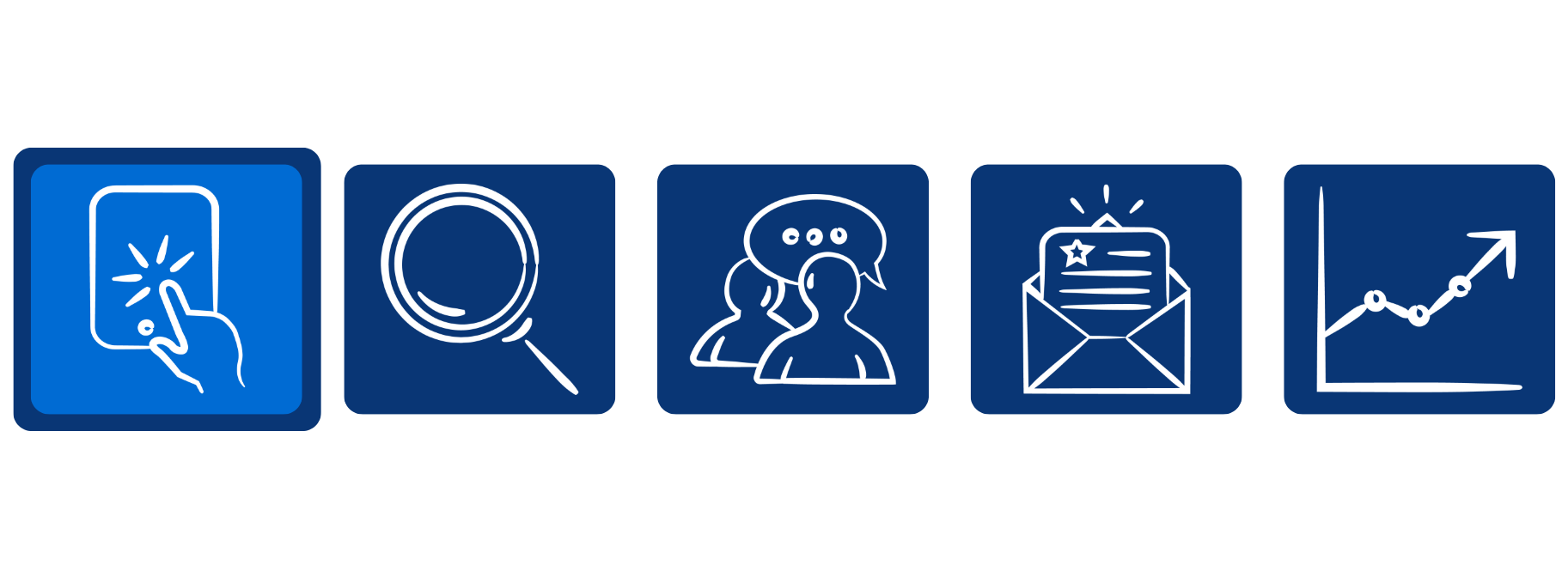
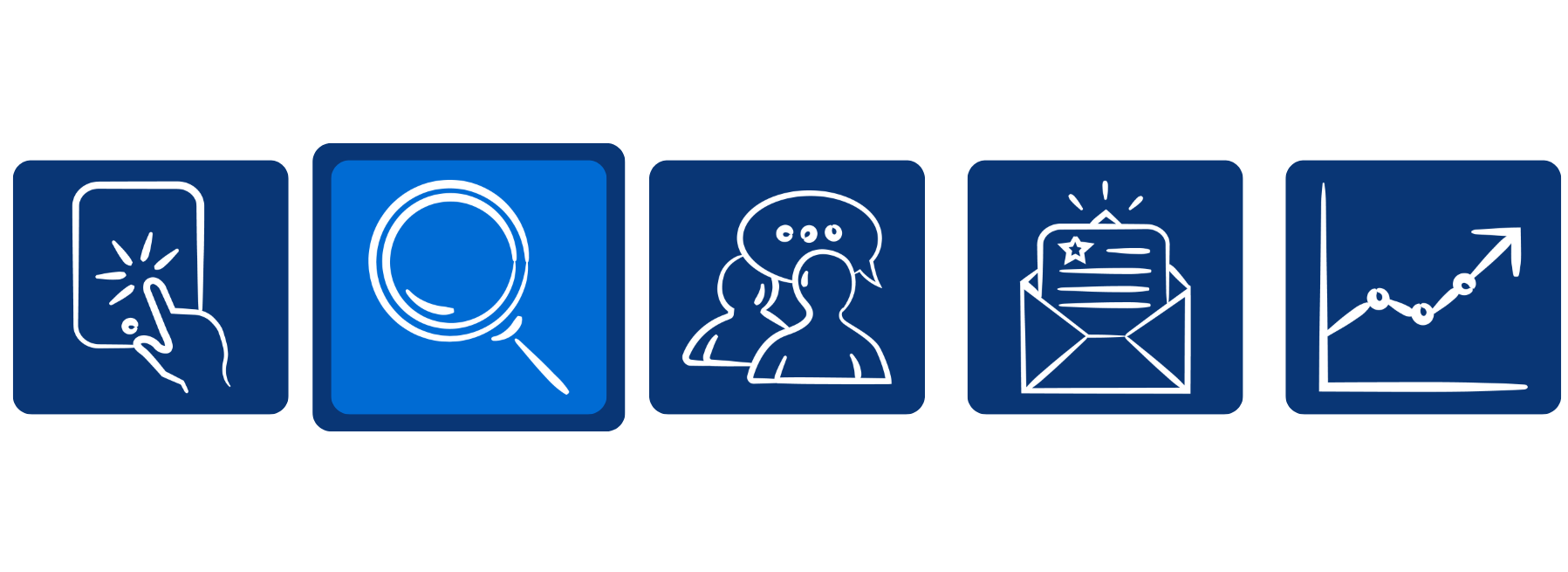
Our Process
We know how much time and energy you put into your job search. We are committed to delivering a purposeful, efficient recruitment process that allows you to personally experience our culture and see why Ecolab is a great place to work.
Learn more below about what to expect from our recruitment process.

The first step in our application process is to join our Talent Network by entering your email address and some brief information about yourself. Once you join our Talent Network, we’ll be able to send you job alerts and the latest Ecolab news.
You can attach a CV or resume to upload your experience or input it directly. After your information is added, review it carefully to ensure accuracy. If you do not upload or input your experience, we may not have enough information to evaluate your qualifications.
Once your review is complete, you’ll be prompted to complete any applicable standard or job-specific questions. Please read the questions carefully and provide accurate responses.
Finally, review your application before submitting. If you would like to make changes, click Back to return to a prior section on the application. When you’re satisfied with your application, click Submit. You will receive a confirmation screen directing you to create your Candidate Account. This is the tool you can track the status of your application from. You will also receive an email confirming your application.
The next step is to create a Candidate Account. We will confirm the receipt of your application and contact you using this email address. You can also sign back into this account to apply for future opportunities and review status updates on your application(s). If you have applied since December 2017, you will sign into the same account you previously used.
Please note: The Candidate Account is different than our Talent Community, so even if you joined our Talent Community prior to applying, you will need to sign in or create separate credentials to apply.
After we receive your application, we will review your experience and skills. If your experience aligns with our current needs, you will be contacted by phone or email to schedule an interview. We will also keep your information in our system for consideration as future job opportunities arise per local records retention requirements.
Upon submitting your application, your status will be Application Received. Once reviewed by our recruiting team, if you are still in consideration for the role, your status will be In Consideration. If you are no longer being considered for a specific job, your status will be No Longer in Consideration. Note that this status is specific to each job for which you have applied. If you are no longer in consideration for a specific role, you can still apply for other jobs for which you are qualified.
Forgot your password?
Interview & Assessment
If your experience aligns with our current needs, you will be contacted by phone or email to schedule an interview and assessment if applicable.
If you are selected as the final candidate, we will extend a verbal offer and send your offer/contract documents to your candidate account for review.
Begin Onboarding
After successfully completing all required contingencies, your recruiter and manager will work with you to ensure you know what to expect on your first day.
We believe the best teams are inclusive. We do not discriminate based on race, religion, color, creed, national origin, citizenship, sex (including pregnancy), sexual orientation, gender identity and expression, age, disability, genetic information or veteran status.
Frequently Asked Questions
Search Ecolab Careers by Keyword, Job Category and/or Location. Once you have found a job opportunity, click Apply.
Next, you will create an account with our online application system. We will confirm the receipt of your application and contact you using this email address. You can also sign back into this account to apply for future job opportunities and review status updates on your application(s).
You will then be able to submit your application for posted job opportunities.
For more information, please read through our recruitment process.
If you forget your password, click Forgot Password. Enter the email address associated with your Candidate Account and submit. You will receive an email with instructions to reset your password.
If you do not find a job posting that you are interested in applying for today, you can join our Talent Community to receive emails about jobs in your area of interest. You can also create job alerts while searching for jobs using the "Create Job Alert" section on our search results page.
If you wish to include a cover letter with your application, please upload the file in the Resume/CV section of the My Experience page of the application. This section allows multiple attachments and you can include your Resume/CV and Cover Letter here if desired.
Sign into your Candidate Account, click the cloud icon in the upper right corner, then click View Profile. Your application(s) and the status of each will be listed under My Submitted Applications.
For more information, please refer to the Recruiter Review section above.
All previously submitted applications can still be found in your Candidate Account. Once you log in, click the cloud icon in the upper right corner, then click View Profile. Your application(s) and the status of each will be listed under My Submitted Applications.
For more information, please refer to the Recruiter Review section above.
With our new website, we are launching a new Ecolab Talent Community. If you previously received job alerts from us, please be sure to join the new Talent Community to receive emails about jobs in your area of interest. You can also create job alerts while searching for jobs using the "Create Job Alert" section on our search results page.
With our new website, we launched a new Ecolab Talent Community and will be sunsetting our old Talent Network soon. If you want to stay in touch with us and receive job alerts, we invite you to join our new Talent Community by creating a new username and password. Please note that the Ecolab Talent Community is separate from our application system, so if you are trying to login to view previous applications, you can find these in your Candidate Account.